 Crowe Scripts
 Join our Discord

Crowe Professions brings eight frontier trades to RedM/VORP. Chop timber, mine ore, pan for gold, catch fish, and process materials into useful goods while building your character's skills.
Give players visible work in the world, a trade journal to follow their progress, and stations for turning raw materials into finished goods.
Showcase
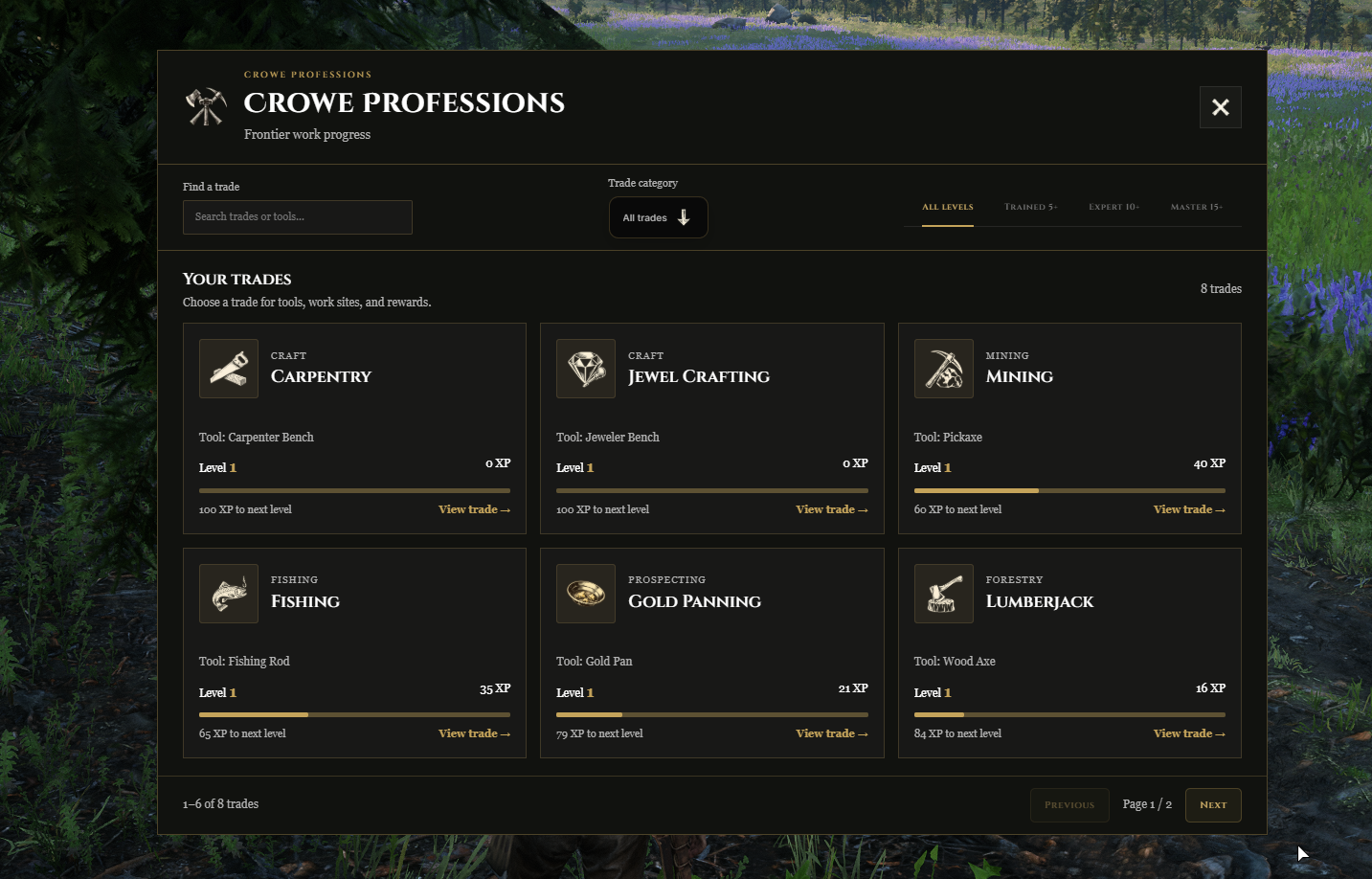
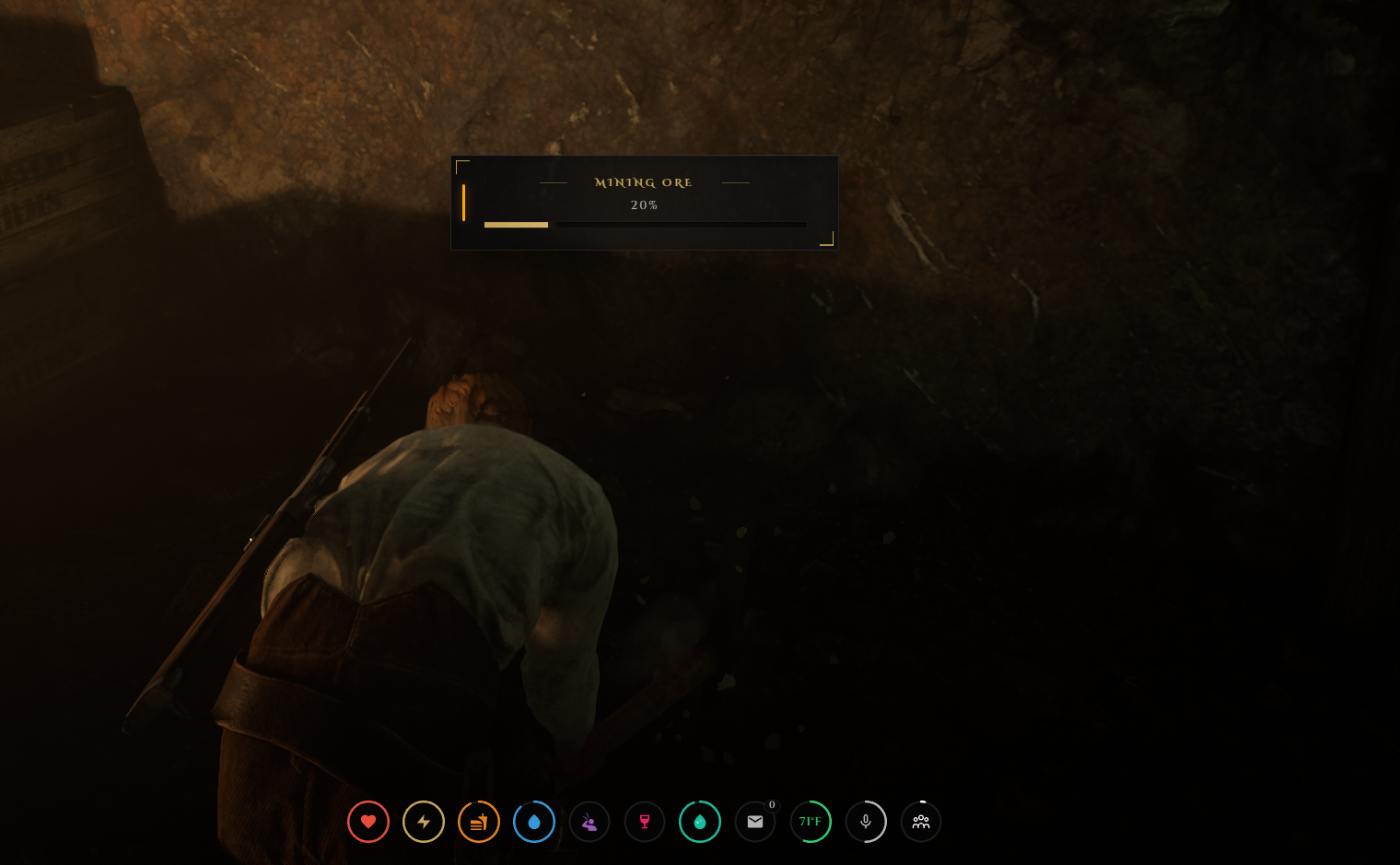
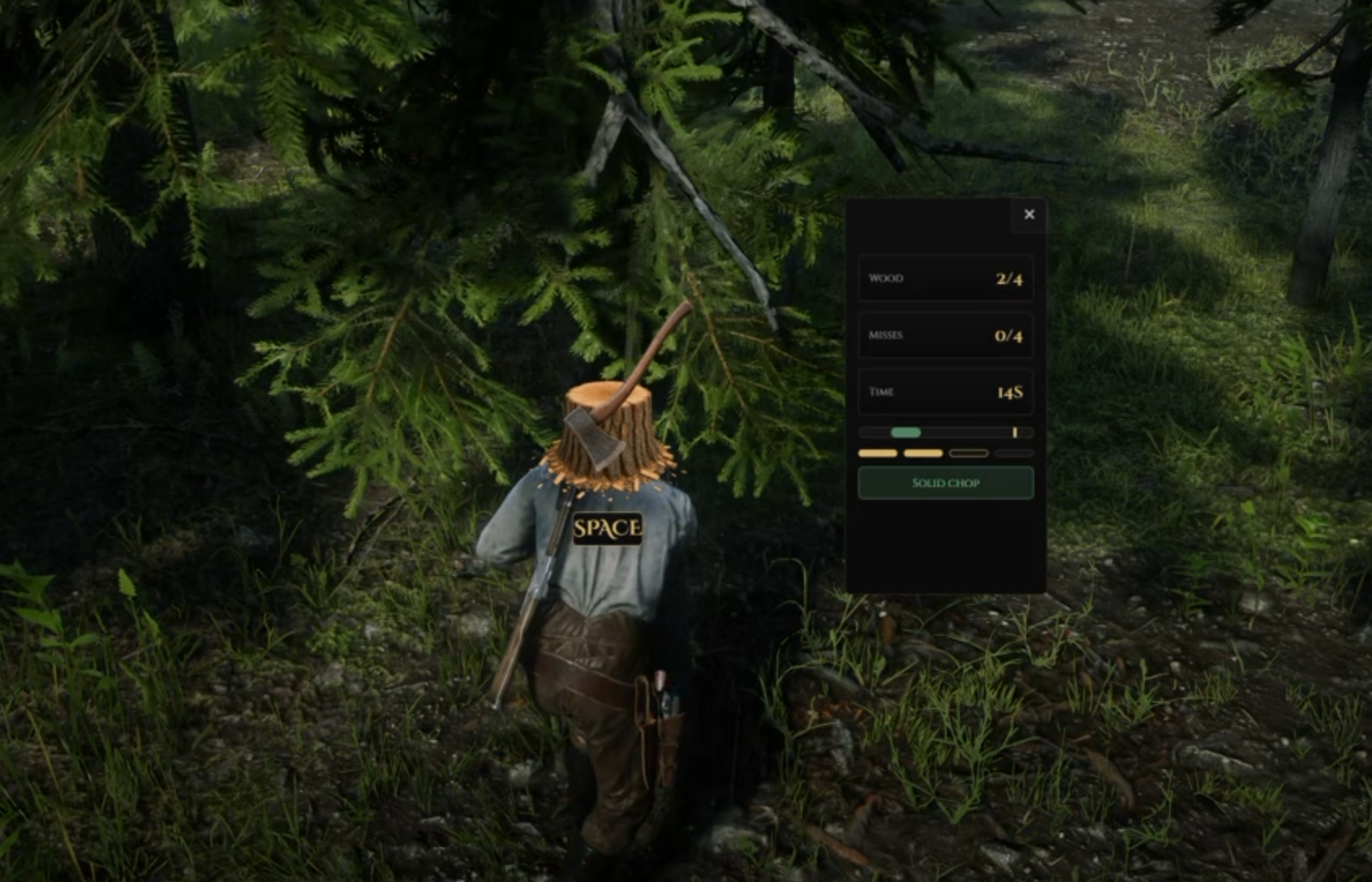
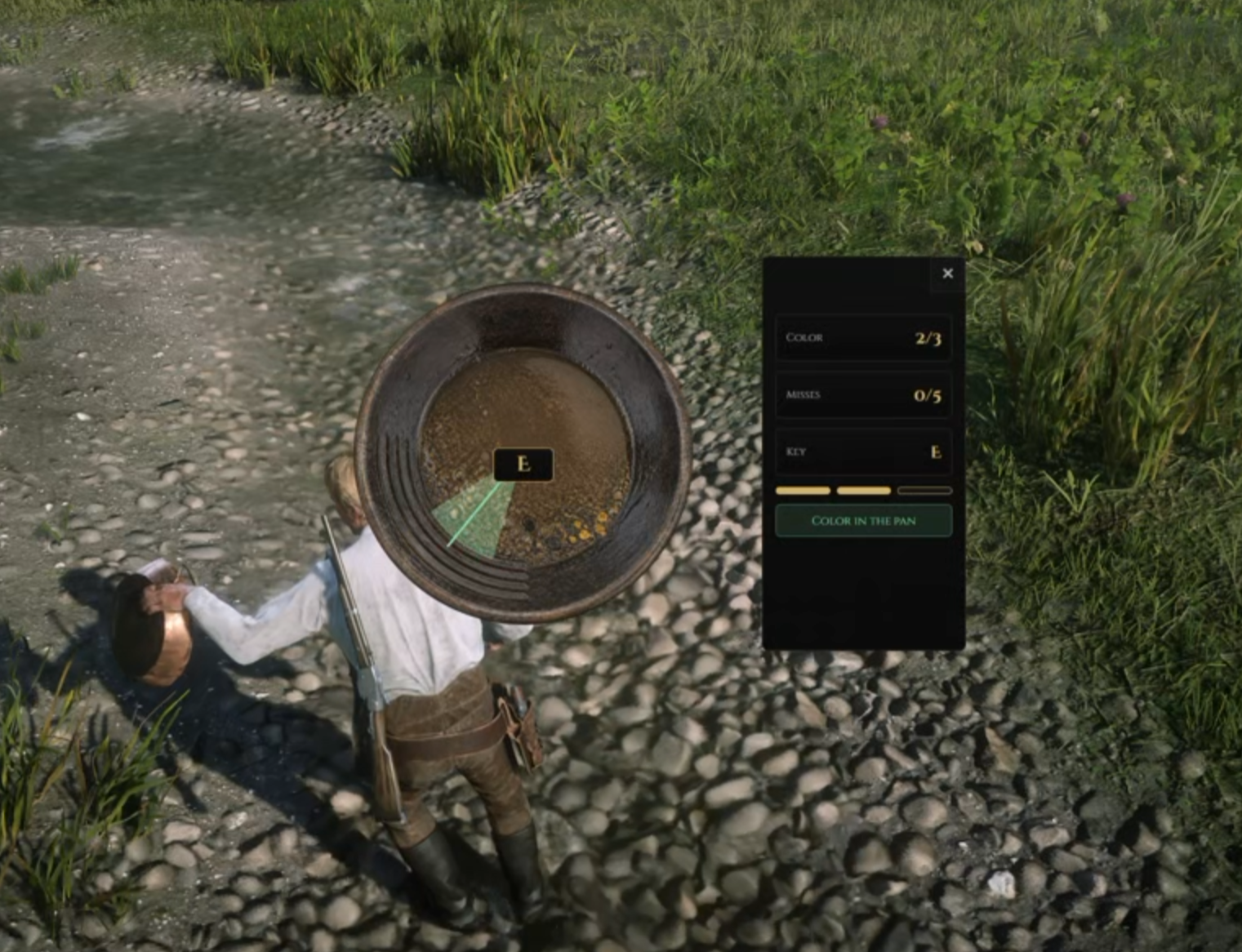
Watch the demo video: YouTube Showcase
Key Features
Frontier Work
Eight Trades - Includes Lumberjack, Mining, Gold Panning, Fishing, Blacksmithing, Carpentry, Cooking, and Jewel Crafting.
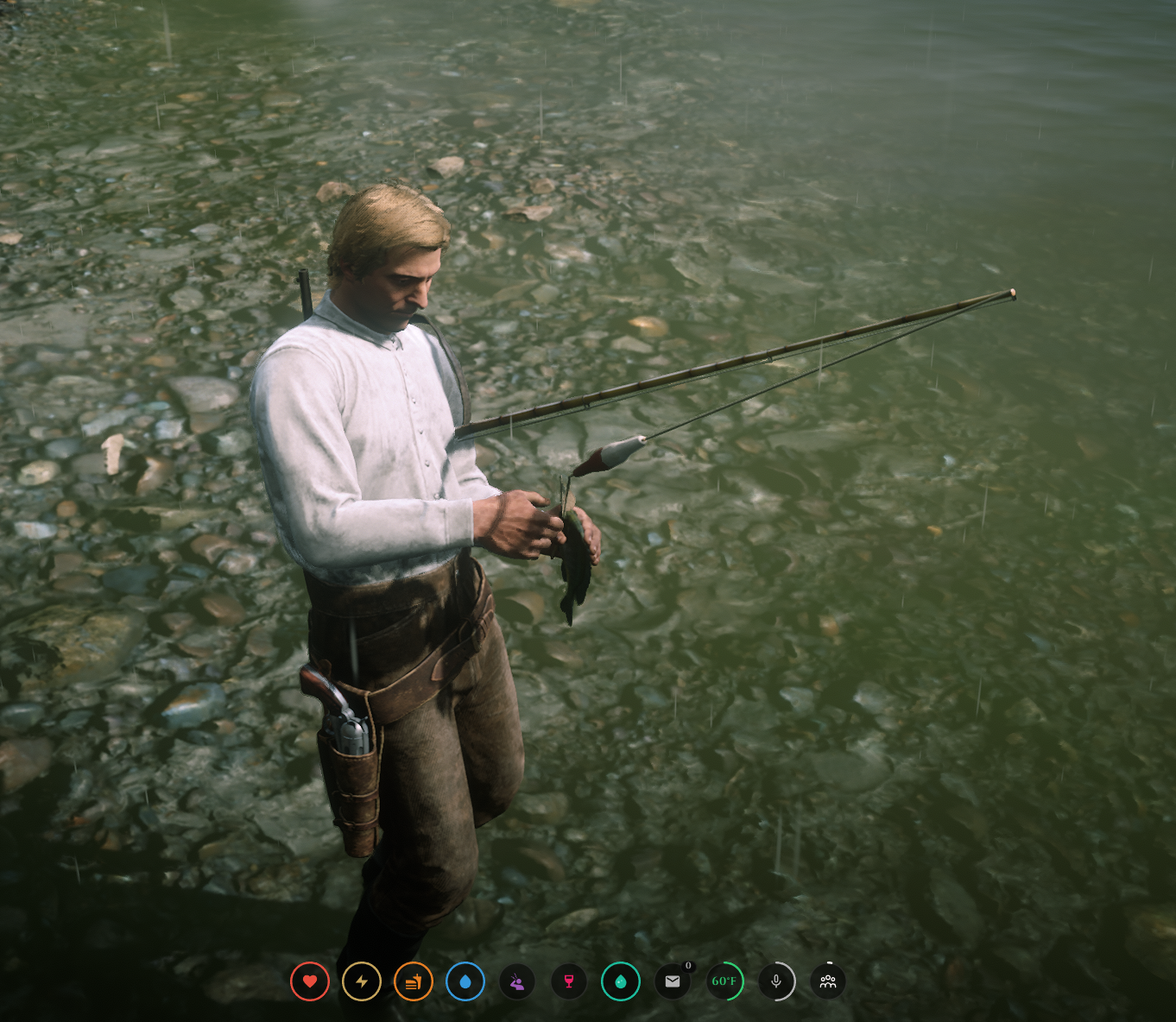
Visible Tools - Work with an axe, pickaxe, gold pan, and native fishing rod, with dedicated gathering animations.
Native Fishing - Cast, hook, steer, and manage reeling tension before choosing to keep or release your catch.
Bait and Fish Weight - Use configurable bait and lures, with fish weight saved on kept catches.
Mining Locations - Includes 136 configured ore positions across six locations, with secondary ore and rare gem rolls.
Tree Coverage - Supports 206 standing-tree models with configurable selection density.
Gold Panning - Sift at valid water locations and inspect the pan, with reactions for confirmed gold finds.
Crafting and Progression
Processing Stations - Turn timber, ore, fish, and gems into planks, ingots, meals, jewelry, and other goods.
Character Progression - Earn XP, advance through ranks, unlock configured perks, and retain rare-find history.
Trade Journal - Search and filter trades, read work guides, and review tools, ranks, and progress.
Server Settings
Equipment and Work Rules - Configure tool durability, bait use, work duration, and optional cooldowns.
Job Bonuses - Offer optional reward and progression bonuses for matching VORP jobs and grades.
Modern and Retro Styles - Choose a server-wide journal and processing interface style.
Configurable World Targets - Edit tree models, mining nodes, water rules, work regions, and station locations.
Dependencies
Required:
vorp_core,vorp_inventory,oxmysql, andcrowe_minigamesRecommended:
crowe_libsOptional:
crowe_interactions,crowe_progress,crowe_notification, andcrowe_reputation
Installation
Place the complete
crowe_professionsfolder in your server resources.Review
config.lua, the profession files inconfig/, andmining_nodes.lua.Register your enabled tools, bait, rewards, and recipe materials;
inventory_items.sqlprovides starter definitions.Copy the supplied
inventory_images/artwork to your inventory image directory.Start required dependencies and installed integrations first, then add
ensure crowe_professions.Open
/professionsand test each field tool and a processing recipe.
Profile and node tables are prepared automatically in your existing database; install.sql is optional. Allow CREATE, SELECT, INSERT, UPDATE, and DELETE permissions. Inventory registration remains separate.
Professions are public by default. /proftool supplies missing configured tools for free before equipping them; review this behavior for your economy.
What You Will Receive
The Crowe Professions resource with eight trades, gathering tools, native fishing, progression, and processing
Modern and Retro journal and processing interfaces
Editable profession settings, mining placements, English locale, inventory artwork, SQL files, and setup documentation
Support
Review the included README for setup and profession configuration
Join our Discord for ticket-based support