 Crowe Scripts
 Join our Discord
Crowe Posters is a VORP poster system that lets players create, place, view, and remove in-world posters through a polished NUI flow with ghost placement, persistent props, and automatic cleanup.
Players use a poster item from their inventory to open the creation modal, preview the poster on a wall or ground surface, and confirm placement. The system handles prop streaming, restart-safe respawn, saved poster templates, image support, and expiration cleanup in the background.
Showcase
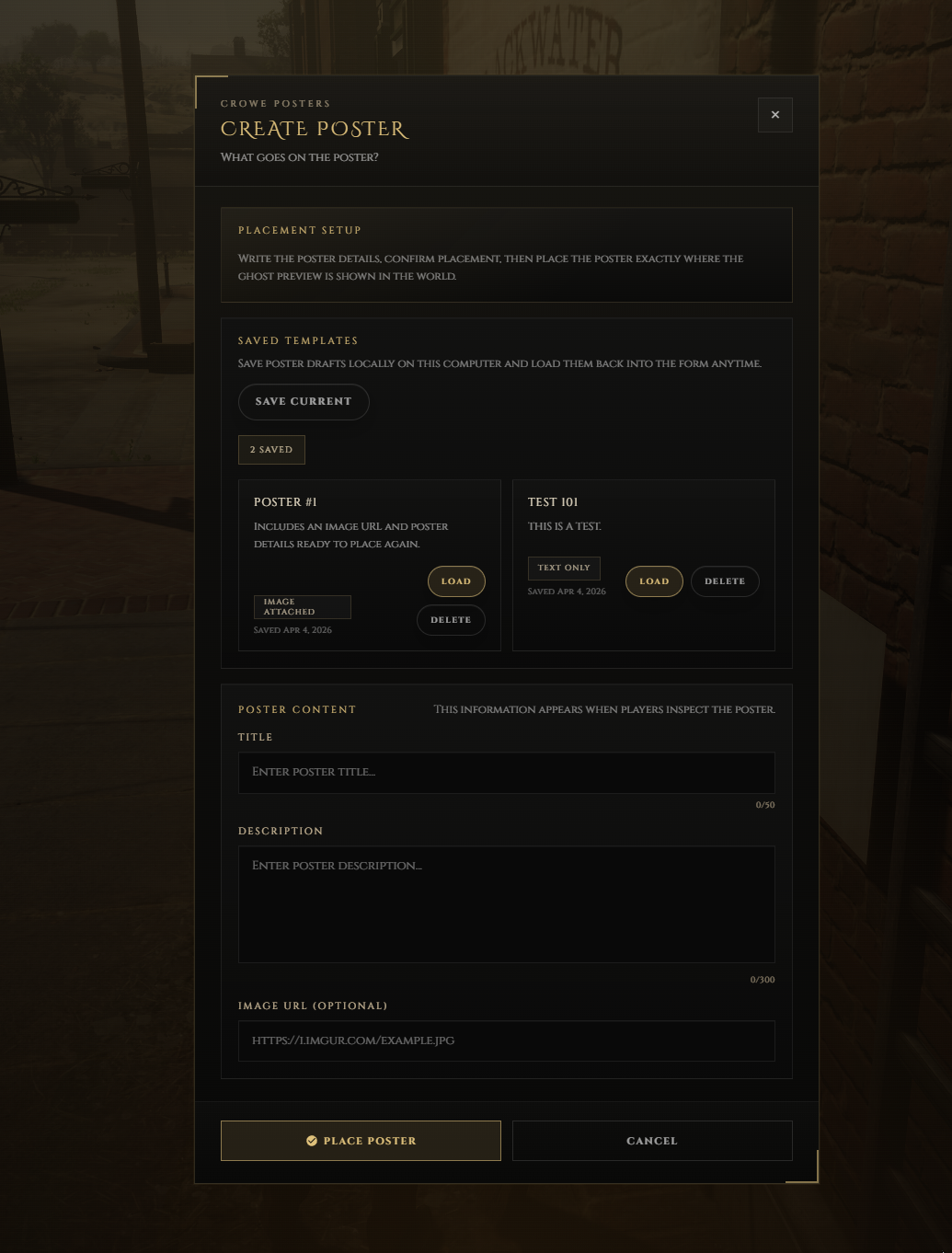
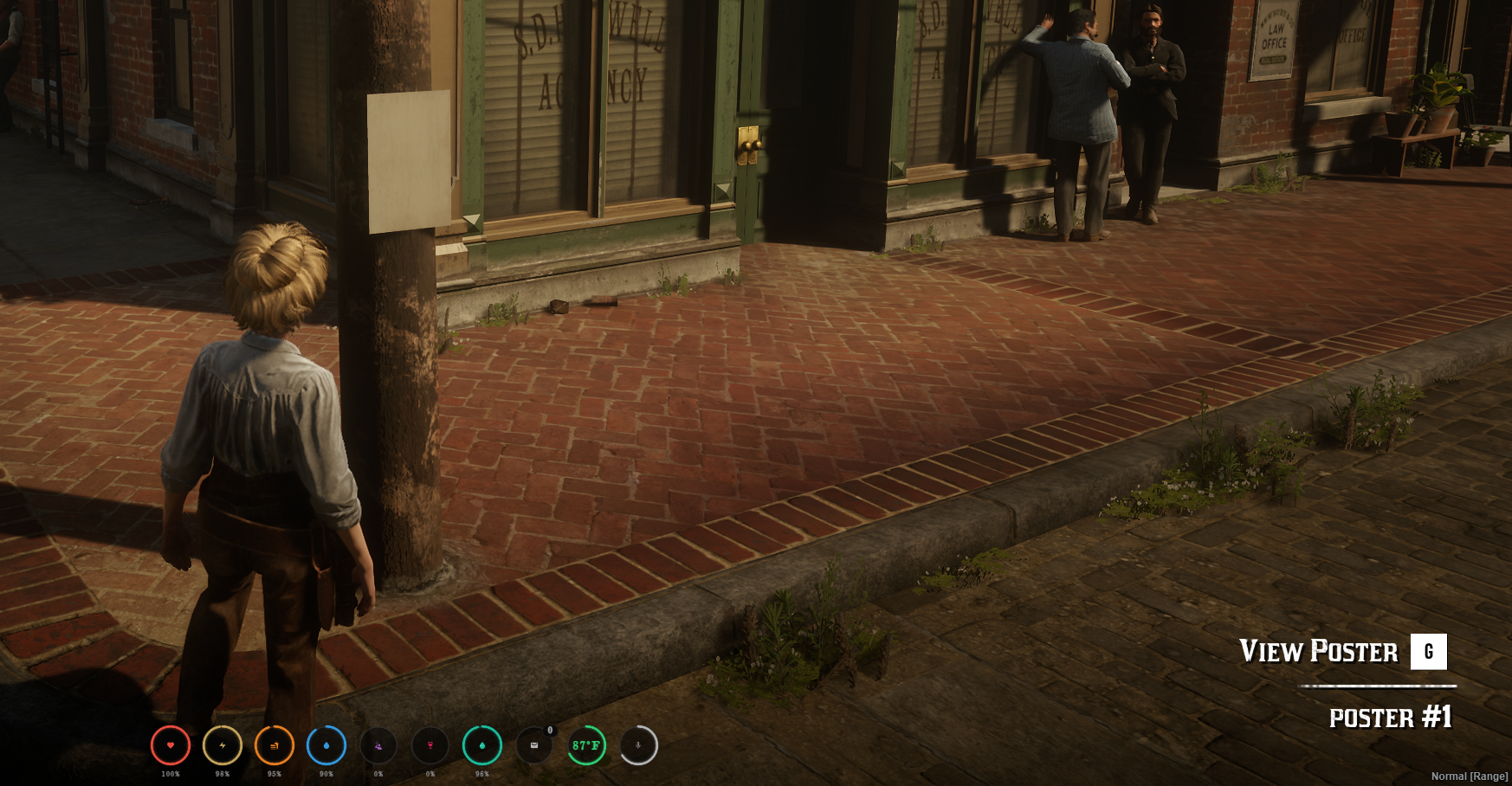
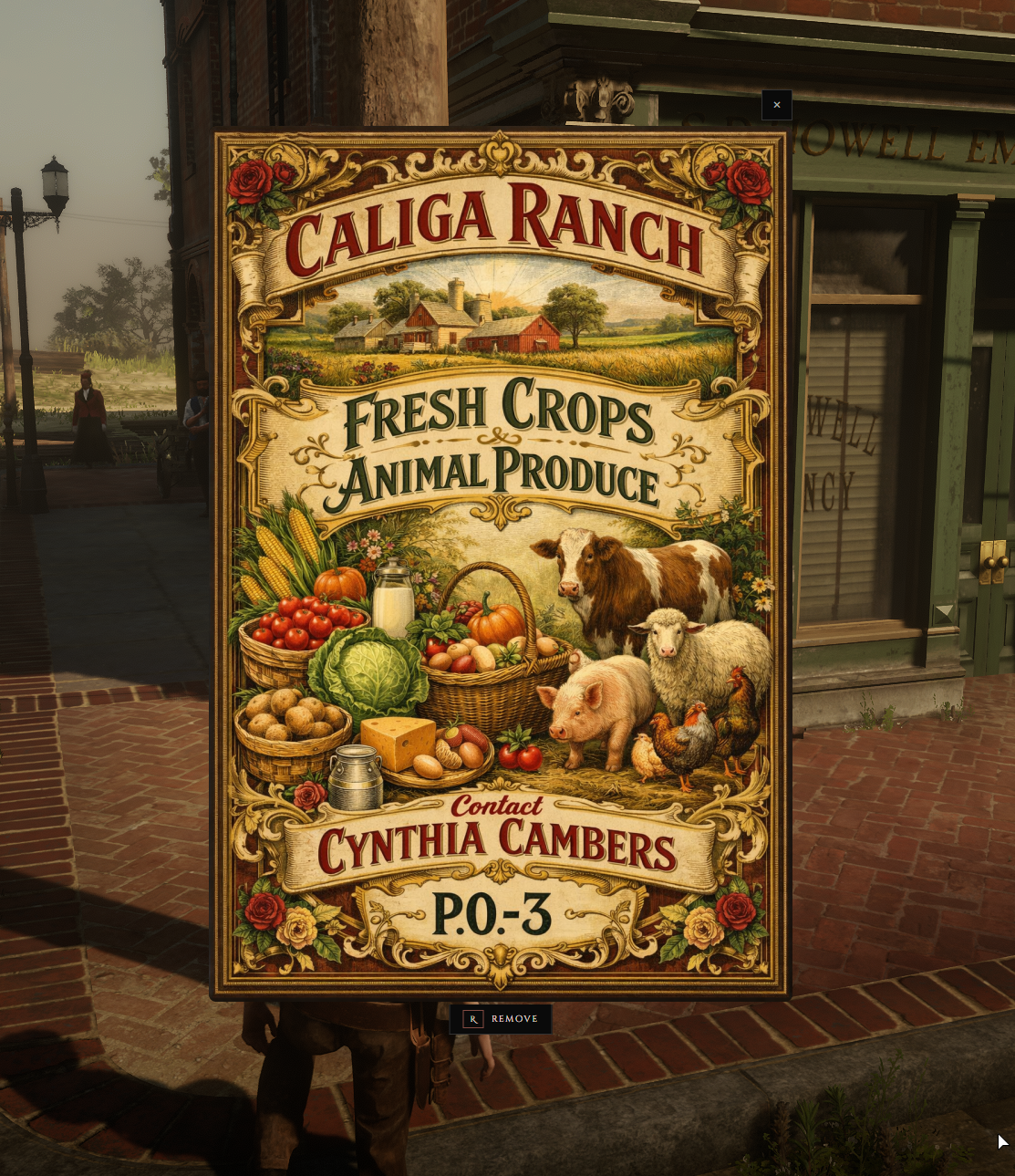
Watch the demo video: YouTube Showcase
Key Features
Poster Creation & Placement
Inventory Item Driven - Players use the
crowe_posteritem to open the creation flow and begin placement.Ghost Preview Placement - A live preview prop follows the targeted wall or ground surface before the player confirms placement.
Surface-Aware Alignment - Placement aligns the poster to the surface being targeted during the preview flow.
Saved Poster Templates - The creation modal saves poster templates locally so players can reuse previous text and image data.
Viewing & Player Management
Text And Image Posters - View standard poster text or show a fullscreen image when an image URL is included.
My Posters Menu - Players can review and remove their active posters from a dedicated list.
World Interaction Prompt - Nearby posters can be opened directly from the world for viewing.
Remove Confirmation - A dedicated confirm popup prevents accidental poster deletion.
Persistence & Server Control
Restart-Safe Respawn - Posters save their full placement transform and stream back in after restart.
Configurable Limits And Permissions - Adjust item consumption, poster limits, job restrictions, admin overrides, and cooldown behavior in
config.lua.Image URL Validation - Server-side validation enforces allowed image extensions and an optional host whitelist.
Automatic Expiration Cleanup - Posters expire after the configured lifetime and are fully deleted during periodic cleanup.
Moderation And Logging - Admin removal command, txAdmin/server console logging, and optional Discord webhook logging.
Commands & Controls
/mypostersopens the player's active posters list/removeposter [id]removes a poster by database ID for moderationEviews a nearby poster,Xconfirms placement, andBackspacecancels placement
Dependencies
Required:
vorp_core,vorp_inventory,oxmysql,crowe_libsOptional:
crowe_notification
Installation
Import the included
install.sqlinto your database.Import the included
inventory_items.sqlinto your database.Copy
crowe_poster.pnginto your VORP inventory item image folder.Place
crowe_postersin your server resources and start its dependencies first.Add
ensure crowe_postersto your server configuration.Review
config.luaand adjust limits, expiration, permissions, and logging settings for your server.
What You Will Receive
The
crowe_postersRedM/VORP resource filesIncluded SQL files for database and inventory item setup, inventory item image, and a README covering installation and configuration
Support
Review the included README for setup and configuration guidance
Join our Discord for ticket-based support