 Crowe Scripts
 Join our Discord

Crowe Director is a RedM/VORP live world framework for servers that want more than static towns, empty roads, and one-off admin spawns.
It gives staff a director-mode control board for staging scenes, commanding NPCs, recording cinematic sequences, scheduling world events, saving reusable world setups, and running standalone saved events that can overlap outside the editor. This is the v1.0 Beta release, so large scenes, scheduled sequences, NPC control, and your preferred VORP stack should be tested before major live events, and all bugs should be reported back to Crowe Scripts.
Showcase
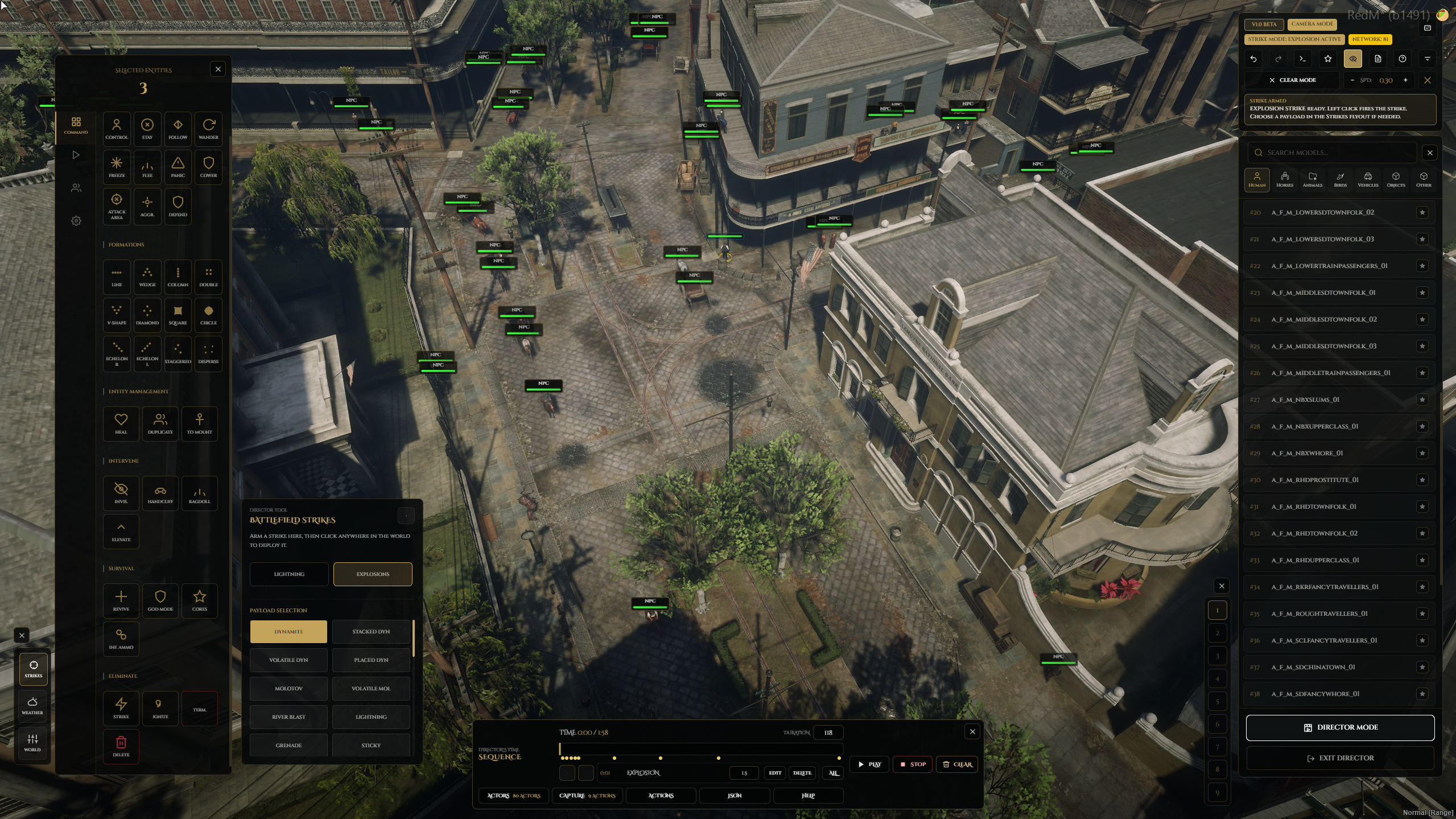
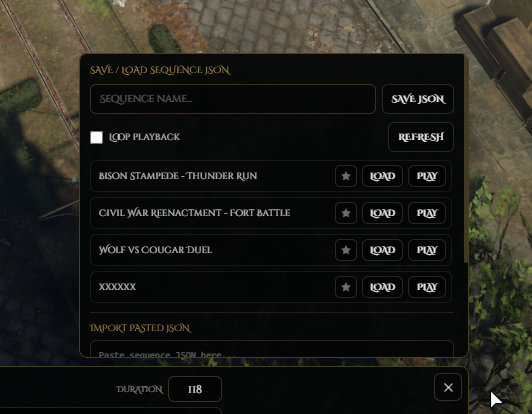
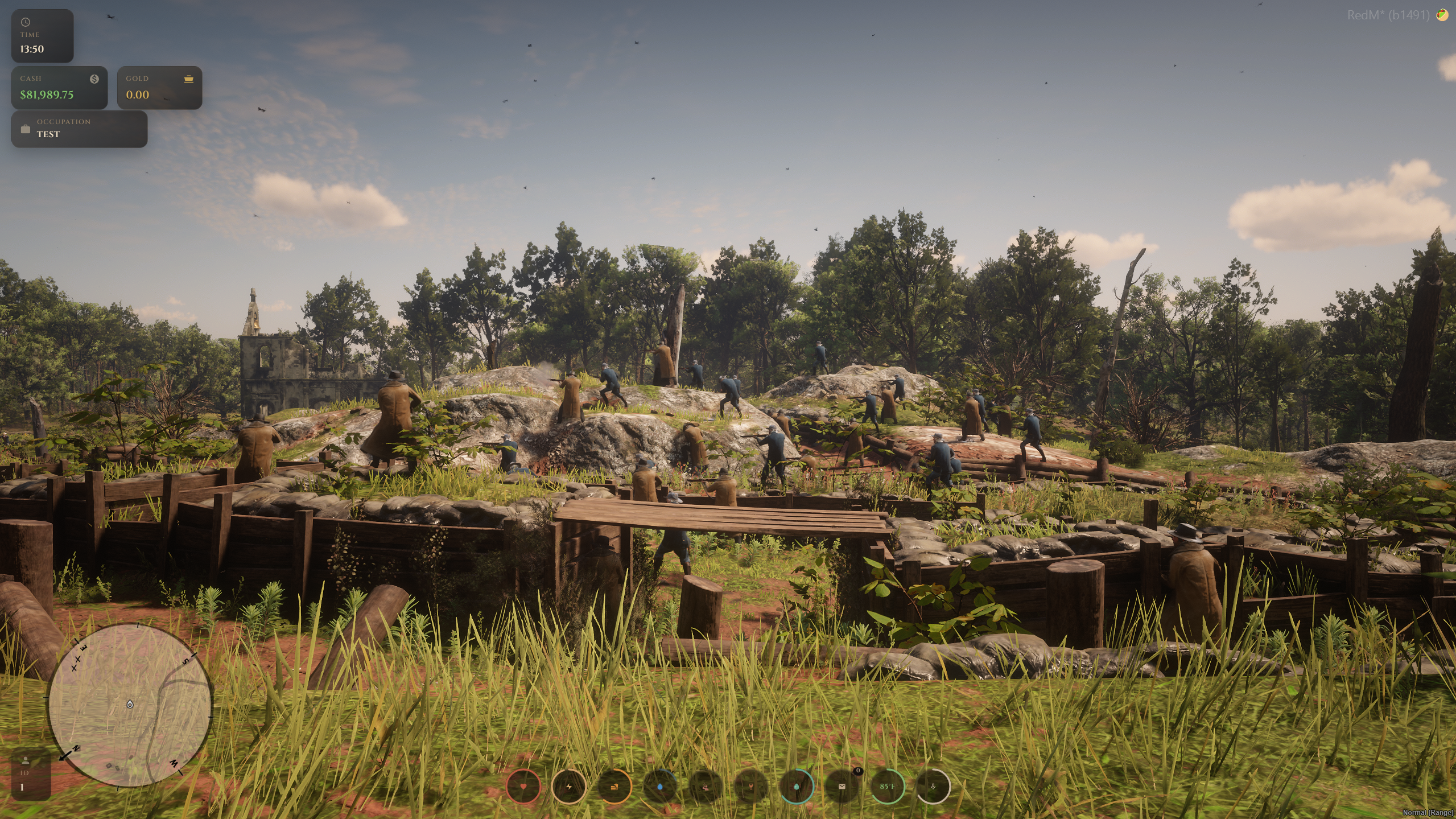
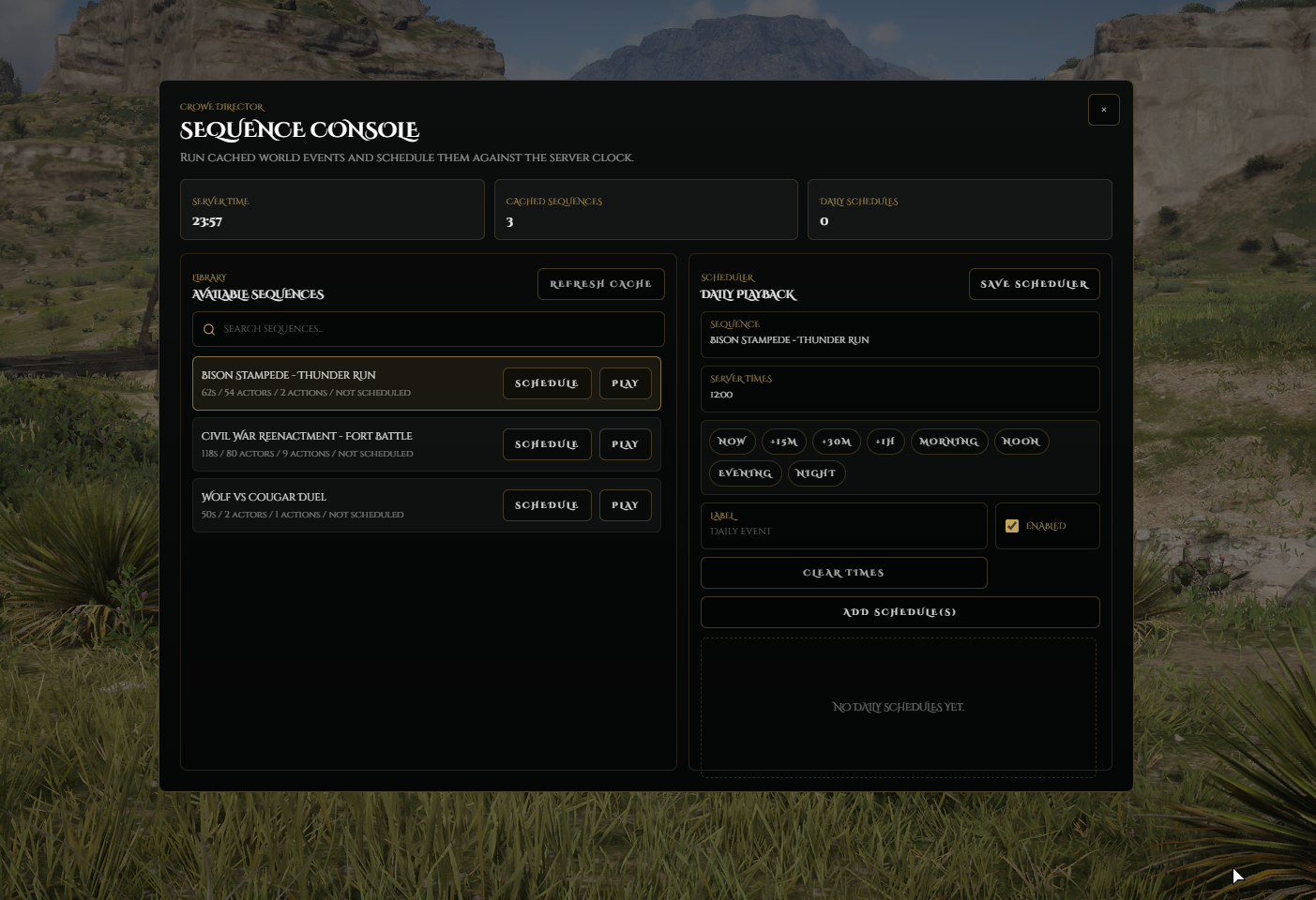
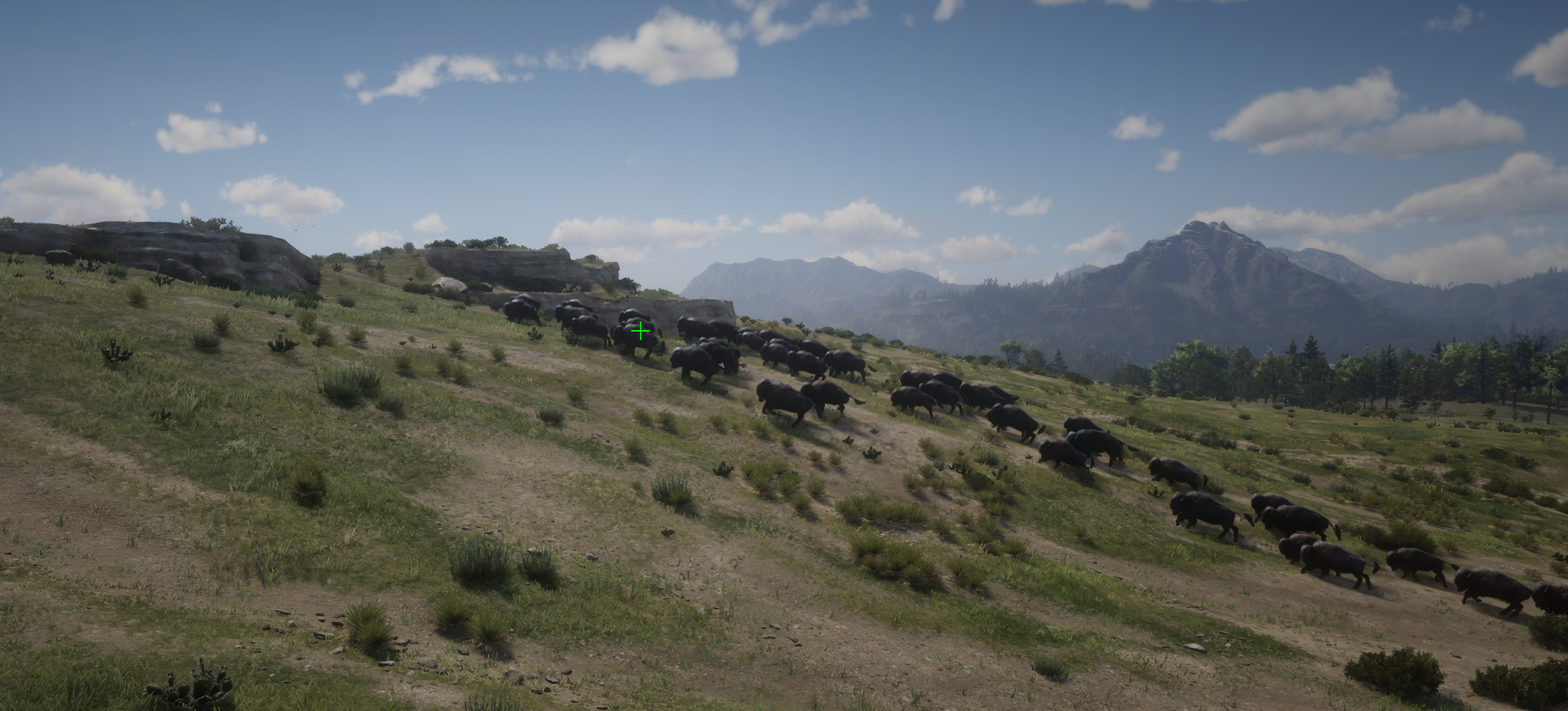
Watch the demo video: YouTube Showcase
Key Features
Director Mode
Live World Control Board - Use
/directorto open a free-camera workflow for staging scenes, spawning entities, issuing commands, and controlling world state.Live NPC Direction - Spawn humans, animals, horses, birds, vehicles, and props, then select, group, equip, animate, and command them in real time.
Temporary NPC Control - Take over one selected living human NPC for live storytelling, then return safely to Director Mode.
Scenes & Sequences
Scene Persistence - Save and reload reusable world setups with peds, vehicles, objects, headings, positions, and embedded sequence data.
Sequence Recording - Record timed actions, keyframes, movement, scenarios, animations, strikes, team combat, and cleanup into reusable sequences.
Standalone & Scheduled Runs - Use
/crowedirectorto play cached sequences immediately, run standalone world events, or schedule daily server events from saved sequence files.
World Events & Combat
Group Combat Tools - Saved NPC groups can fight each other, and recorded battles can be stored as
teamCombatactions.World Control Tools - Adjust weather, time, blackout, strikes, explosions, and cleanup from the same director workflow.
Reusable Server Moments - Build battles, ambushes, wildlife migrations, patrols, ceremonies, raids, and cinematic reveals as reusable content.
Playback Safety Controls - Long-running and effects-heavy sequences use playback safety limits and cleanup rules for cleaner live event use.
Beta Notice
V1.0 Beta Release - This release should be tested before major live events, especially for large scenes, scheduling, and NPC control usage.
Report All Bugs - Please report every bug, issue, or unexpected behavior to Crowe Scripts so the beta can be improved quickly.
Desktop RedM UI - The interface is designed around desktop RedM use and includes a visible
V1.0 BETAstatus badge.No MySQL Required - Scenes and sequences are saved inside the resource instead of needing a database.
Included Director Systems
Director Mode with free camera, selection panels, spawn tools, commands, and live world control
Scene persistence for saved world setups with placed entities and embedded sequence data
Sequence engine with recording, playback, editing, looping, saving, and import support
Sequence scheduler through
/crowedirectorfor timed daily world eventsNPC control, weather tools, strike tools, and exports for other resources
Dependencies
Required: RedM server,
vorp_coreOptional:
vorp_characterfor clean player skin and component reload after NPC control
Installation
Place
crowe_directorin your server resources folder.Review
config.luaand make sure VORP Core starts before this resource.Make sure
web/assets/scenesandweb/assets/sequencesexist.Make sure each folder has an
index.jsonfile containing an empty array if no saves exist yet.Add
ensure crowe_directorto your server cfg, keep the resource folder namedcrowe_director, and note that no MySQL database is required.
What You Will Receive
The Crowe Director resource with director mode, live entity control, scene saving, sequence recording, and scheduled world-event tools
Config-driven control over camera, controls, world sync, sequence loading safety, data files, and director UI behavior
Saved scene and sequence folder support, exports for other resources, and beta-stage world-building tools for RedM/VORP servers
Support
Review the included README for setup and configuration guidance
Join our Discord and report all beta bugs through the Crowe Scripts support channels