 Crowe Scripts
 Join our Discord
Crowe Cartography turns the frontier into a map players uncover through travel in RedM/VORP. Exploration stays saved between sessions, with town discoveries, optional rewards, and configurable starting areas.
Give players a reason to travel, discover new places, and build their own knowledge of the frontier.
Showcase
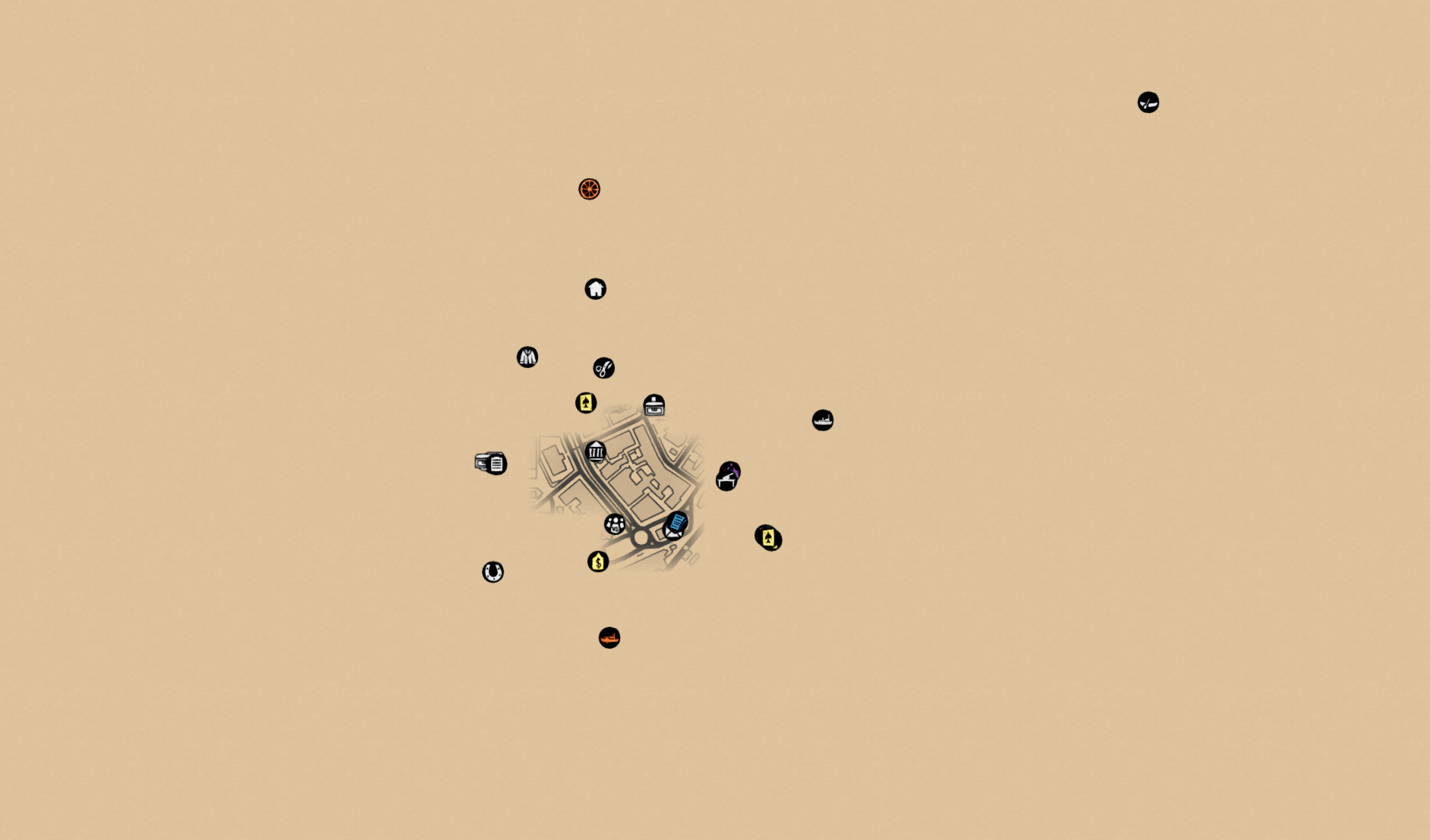
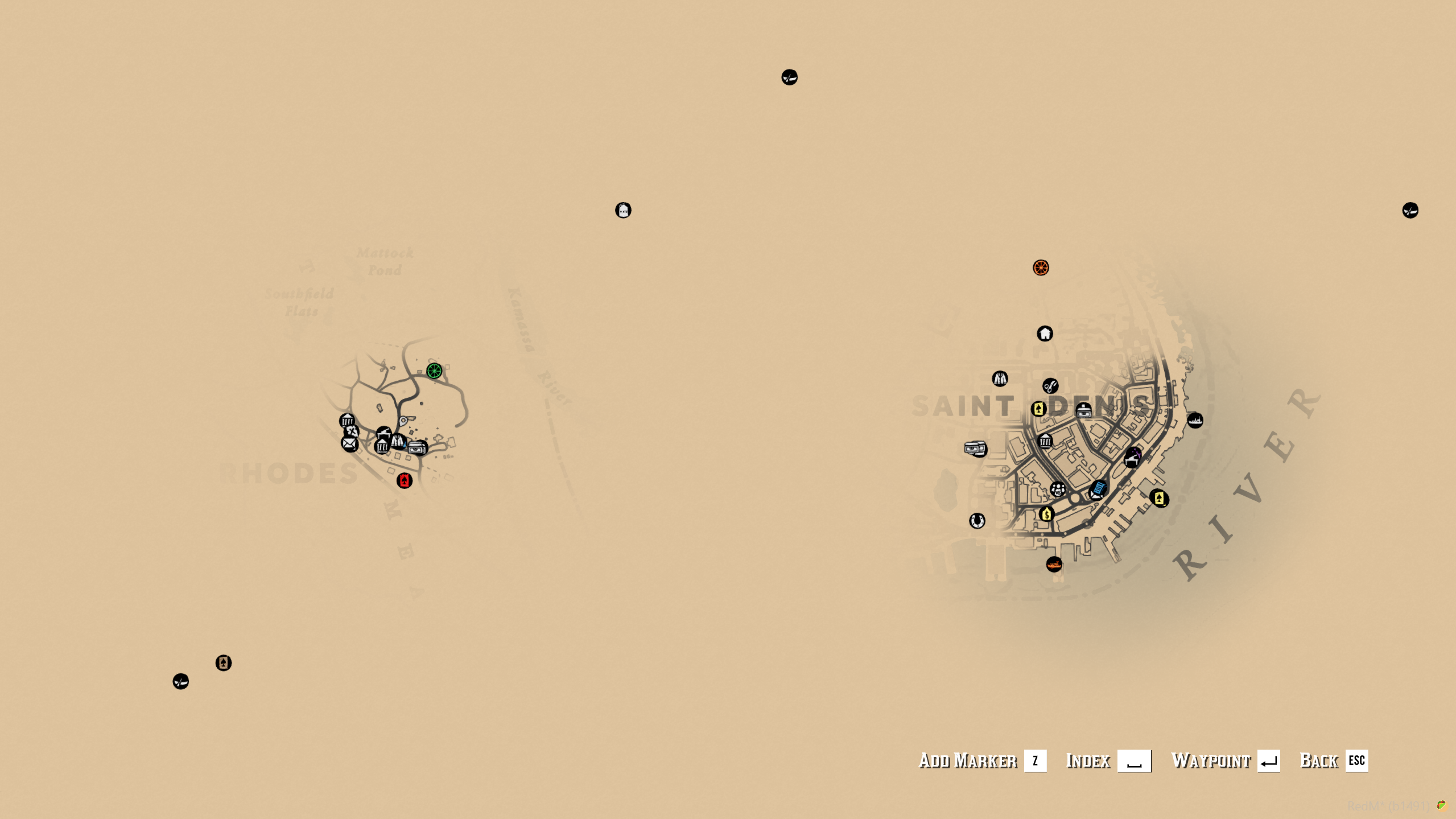
Watch the demo video: YouTube Showcase
Key Features
Explore and Discover
Native Map Fog - Uncover the minimap and pause-menu map as you explore.
Saved Exploration - Restore travelled areas automatically after login, reconnect, and resource restart.
Character or Account Maps - Keep each character's progress separate or share exploration across an account.
Town and Region Discoveries - Record first visits to native towns, districts, and custom regions.
Discovery Rewards - Enable notifications, cash rewards, or whole-area reveals for discoveries.
Server Settings and Integrations
Starting Areas - Choose a remembered spawn town or configured areas that stay visible.
Exploration-Based Blips - Hide registered map markers until their locations have been explored.
Quest Integrations - Use server exports to grant map reveals through quests, treasure maps, and other resources.
Administrator Tools - Inspect progress, reveal areas, reset coverage, or temporarily view the full map.
Guarma Handling - Restore mainland exploration when players return from Guarma.
Dependencies
Required:
vorp_coreandoxmysqlBlip Integration: For blip hiding, add the included Lua helper to relevant resources or register their blips through the documented exports; start Cartography before those resources.
Installation
Back up your database and existing configuration.
Place the complete
crowe_cartographyresource in your resources folder.Review
config.luafor persistence, discoveries, starting areas, rewards, and administrator access.Disable competing fog, full-map reveal, and map-coloring features in other resources.
Start
oxmysqlandvorp_core, then addensure crowe_cartographyto your server configuration.
Tables are created automatically in your existing database; allow CREATE and normal data access. Keep the resource folder writable for the generated native-zone atlas. Preserve your database, recovery data, and data/atlas.json when updating.
What You Will Receive
The Crowe Cartography resource with persistent exploration, discoveries, rewards, and administration
Editable configuration, native-zone definitions, and VORP bridge
Lua blip integration helper, optional batch installer, and setup documentation
Support
Review the included README for setup and integration guidance
Join our Discord for ticket-based support