 Crowe Scripts
 Join our Discord
Crowe Books lets players write, publish, and share their own books in RedM/VORP. Create a manuscript at the writing desk, print copies through a typesetting press, and read them in an animated flip-book reader.
Give authors a place to tell their stories and printers a hands-on role in bringing them to readers.
Showcase
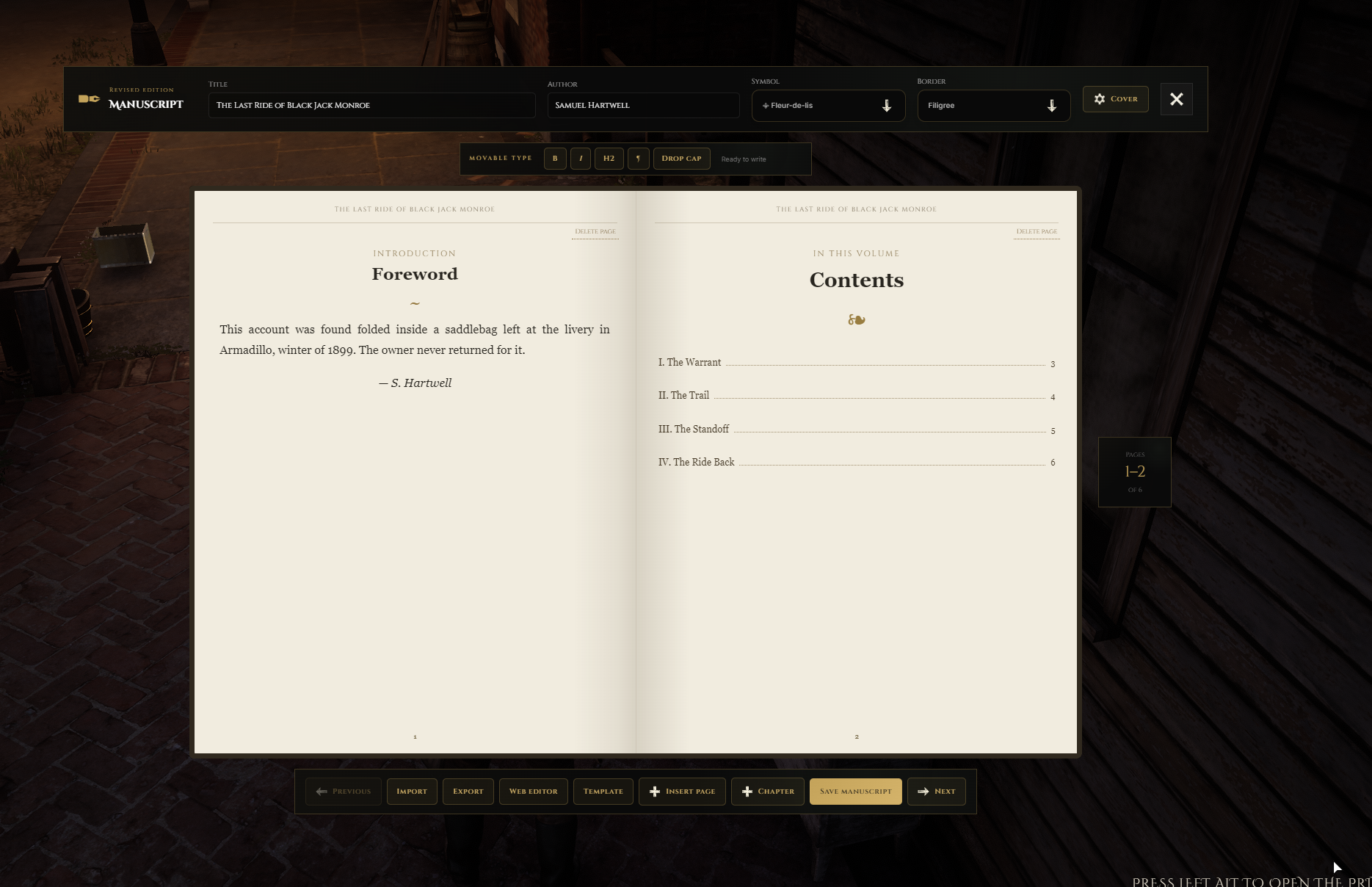
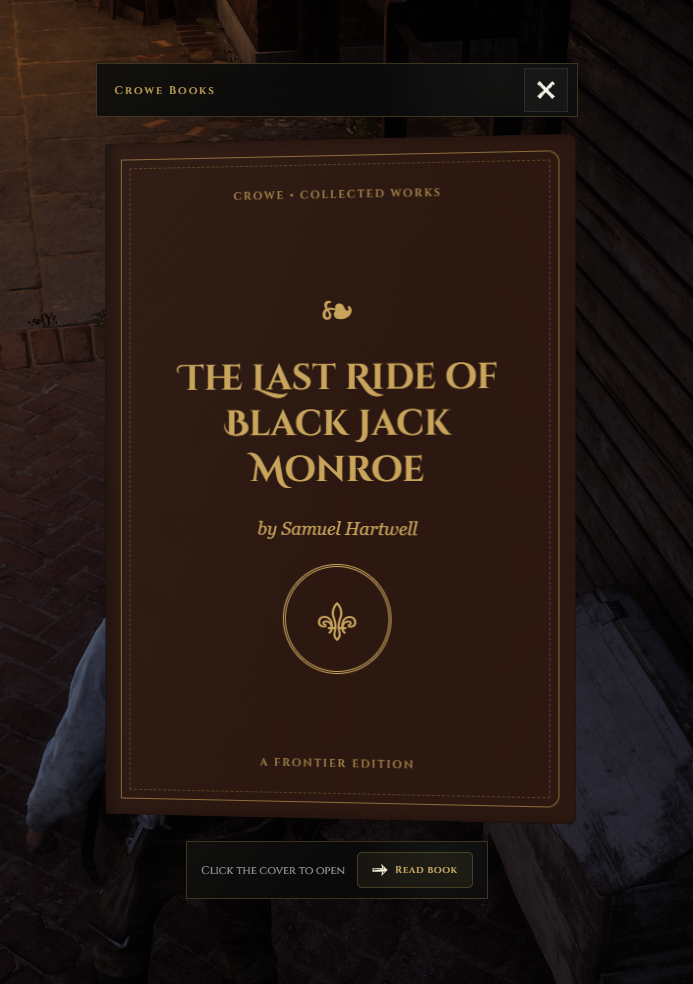
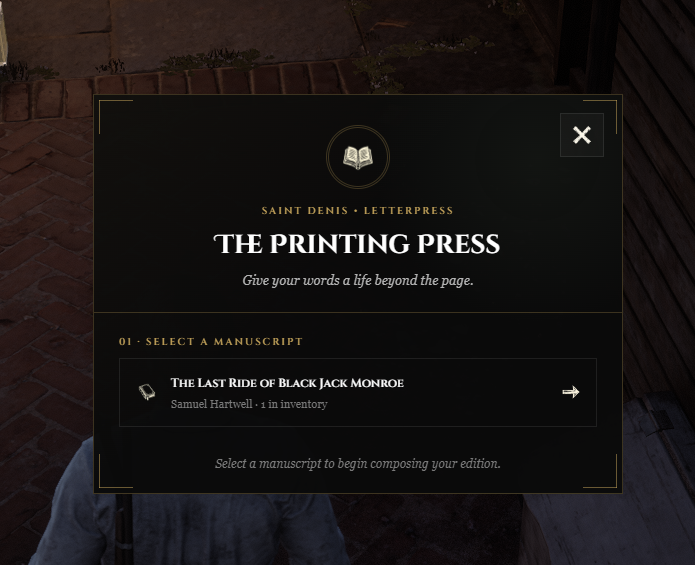
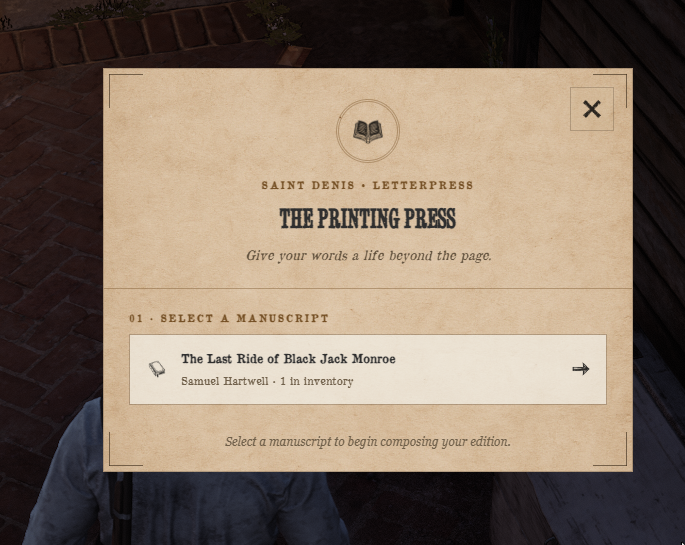
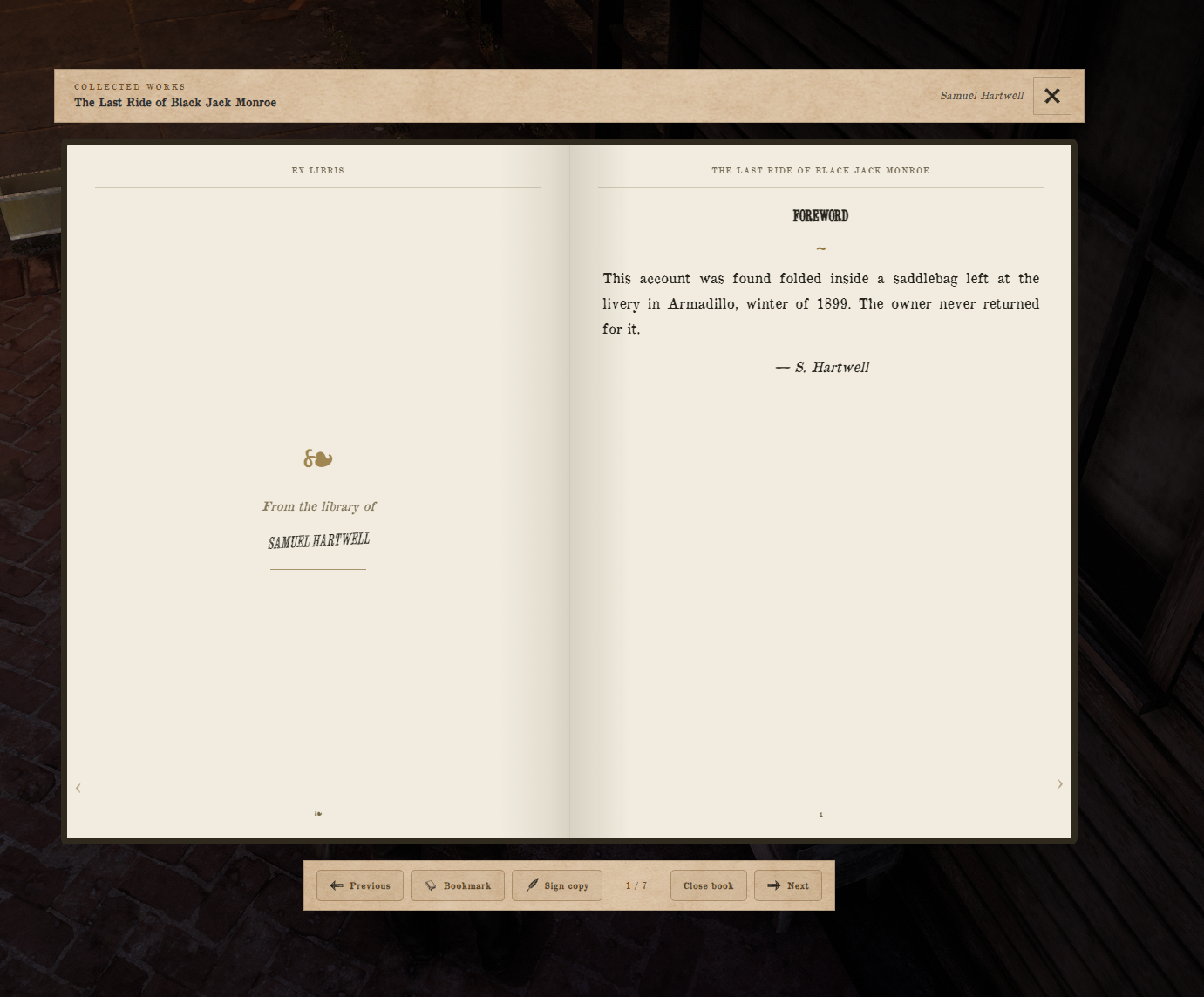
Watch the demo video: YouTube Showcase
Key Features
Write and Publish
Rich-Text Writing - Write and format books in-game without needing Markdown.
Editable Manuscripts - Save your work and reopen manuscripts before publishing.
Printing Press - Authorised printers turn manuscripts into tradeable inventory books.
Typesetting Minigame - Arrange letters through a drag-and-drop minigame to print copies.
Reading and Presentation
Flip-Book Reader - Read facing pages with animated page turns, bookmarks, and signatures.
Custom Covers - Personalise book colors, title, author, and cover lettering.
Modern and Retro Styles - Choose a server-wide Crowe interface or parchment-style presentation.
Server Tools
Printer Permissions - Control access through VORP jobs or supported society and company integrations.
Print Shop Settings - Configure press location, map blips, copy limits, and manuscript consumption.
Book Backups - Import and export book JSON for backups or sharing between servers.
Library Integration - Connect Crowe Librarian to catalog and lend printed copies.
Dependencies
Required:
vorp_coreandvorp_inventoryOptional Printer Integration:
crowe_society,brew_society,syn_society,dl_society, ormega_companiesOptional Library Integration: Crowe Librarian for cataloging and lending printed copies
Installation
Import
inventory_items.sqlto registerempty_bookandcrowe_book.Place the complete
crowe_booksresource in your resources folder.Review
config.luafor printer permissions, press location, copy limits, and the Modern or Retro interface style.Start
vorp_coreandvorp_inventorybefore addingensure crowe_booksto your server configuration.
Upgrading: Before upgrading, back up and preserve config.lua and web/assets/generated. The generated folder contains player-authored books; do not replace them with bundled examples. No new schema migration is required.
What You Will Receive
The Crowe Books resource with writing desk, manuscript selection, printing press, and flip-book reader
Modern and Retro interface styles with customizable physical book covers
Editable configuration, inventory item SQL, and setup documentation
Support
Review the included README for configuration and upgrade guidance
Join our Discord or open a ticket on Tebex for support