 Crowe Scripts
 Join our Discord
Crowe Air Travel brings cinematic balloon charters to RedM/VORP. Book passage at a ticket agent, watch your balloon depart, and arrive at a new destination through moving camera scenes and a fade transition.
Saint Denis serves as the booking hub for regional and Guarma charters, with return flights from each outpost. Passengers arrive on foot after the scenes; balloon travel is cinematic rather than player-piloted.
Showcase
Watch the demo video: YouTube Showcase
Key Features
Book and Travel
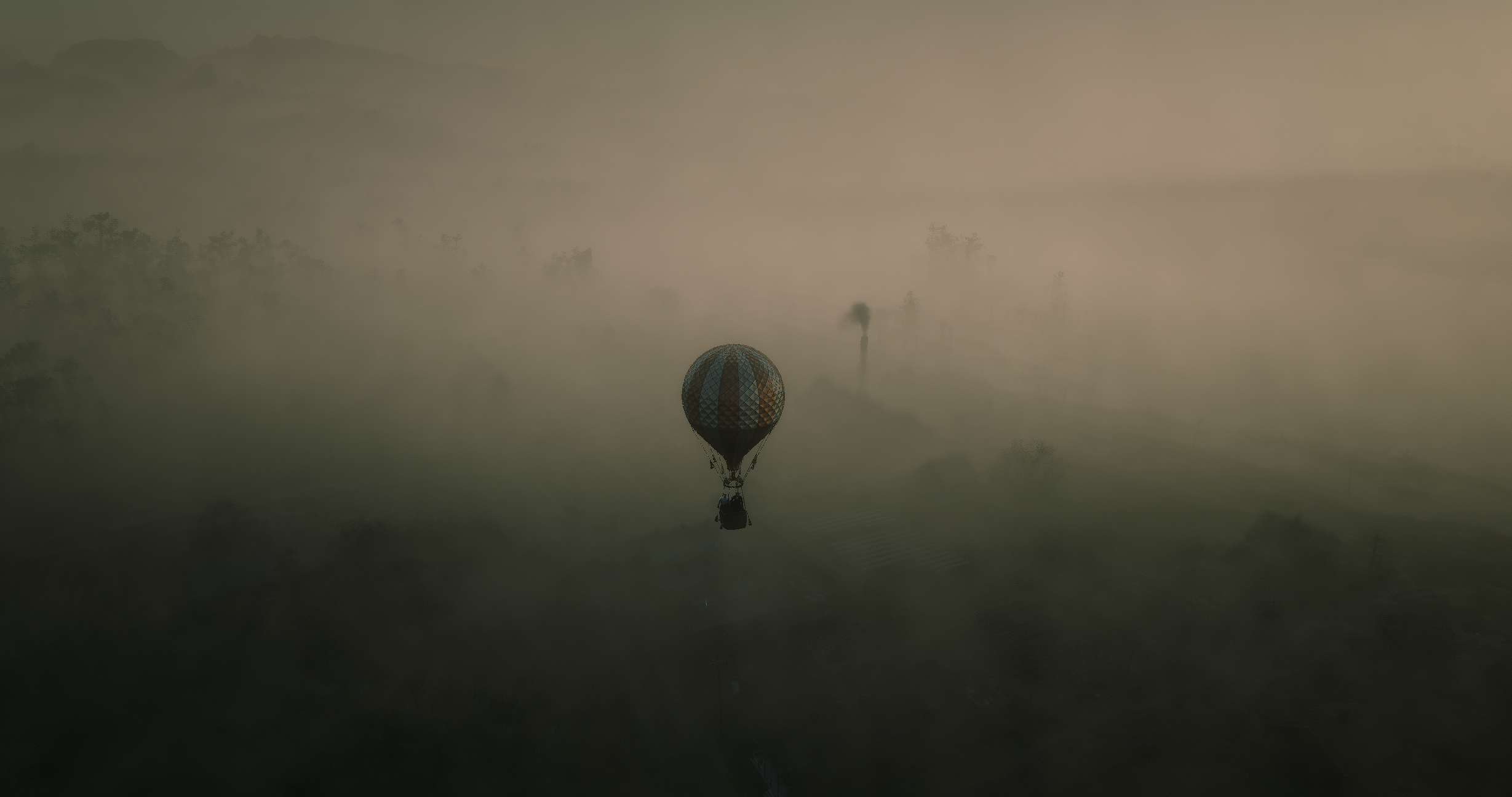
Balloon Cinematics - Departure and arrival shots show a moving balloon, your character, and an optional pilot.
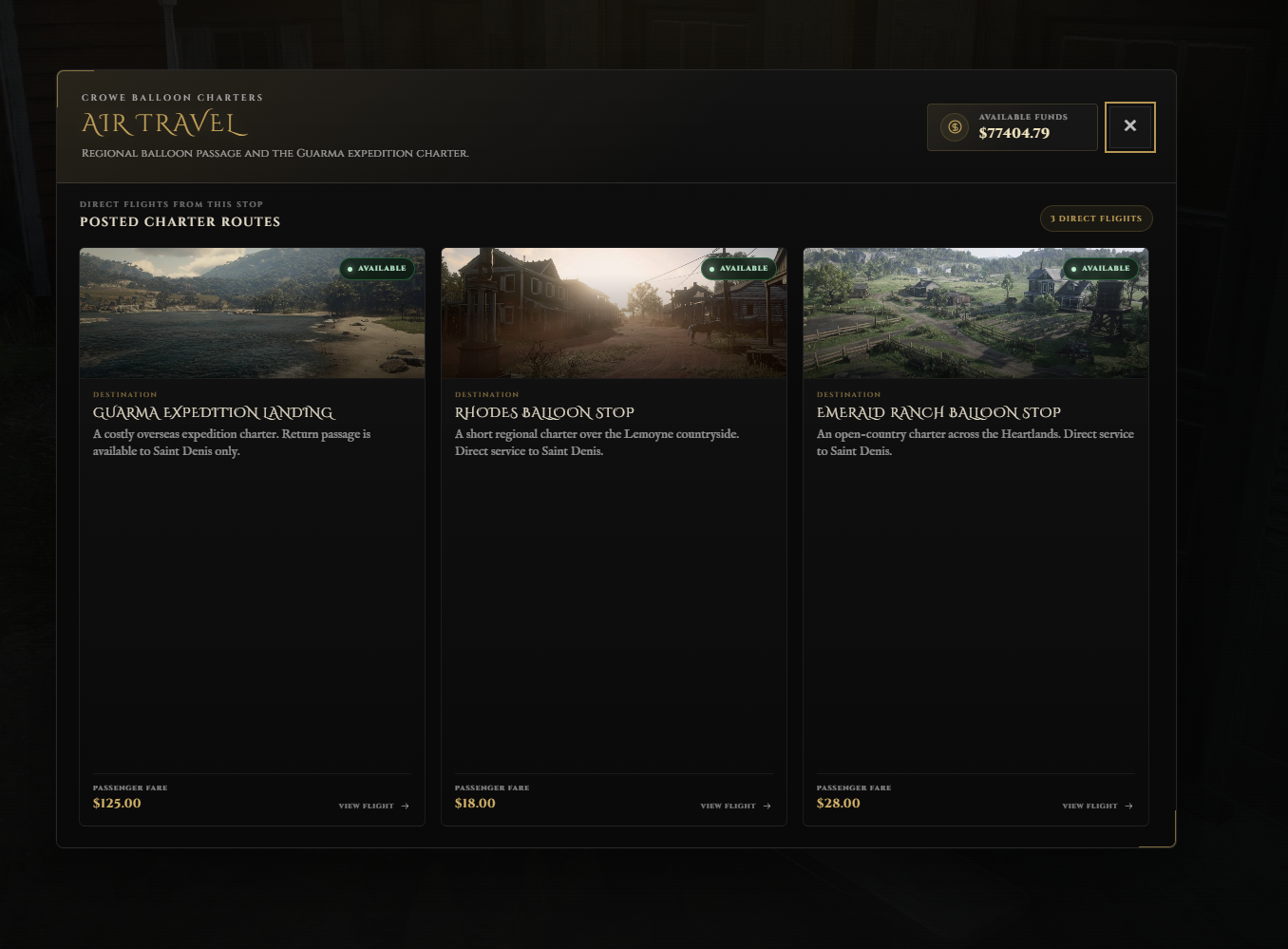
Four Travel Stops - Connect Saint Denis with Rhodes, Emerald Ranch, and Guarma, with return flights to the hub.
Ticket Booking - Browse destination photos, review the fare, and confirm your journey.
Configurable Routes - Set direct connections, route prices, cooldowns, and custom unlock rules.
Cinematics and Arrivals
Scene Customization - Adjust balloon models, camera movement, shot durations, altitude, and station overrides.
Skip Controls - Press Escape to skip the remaining scenes and complete the paid journey.
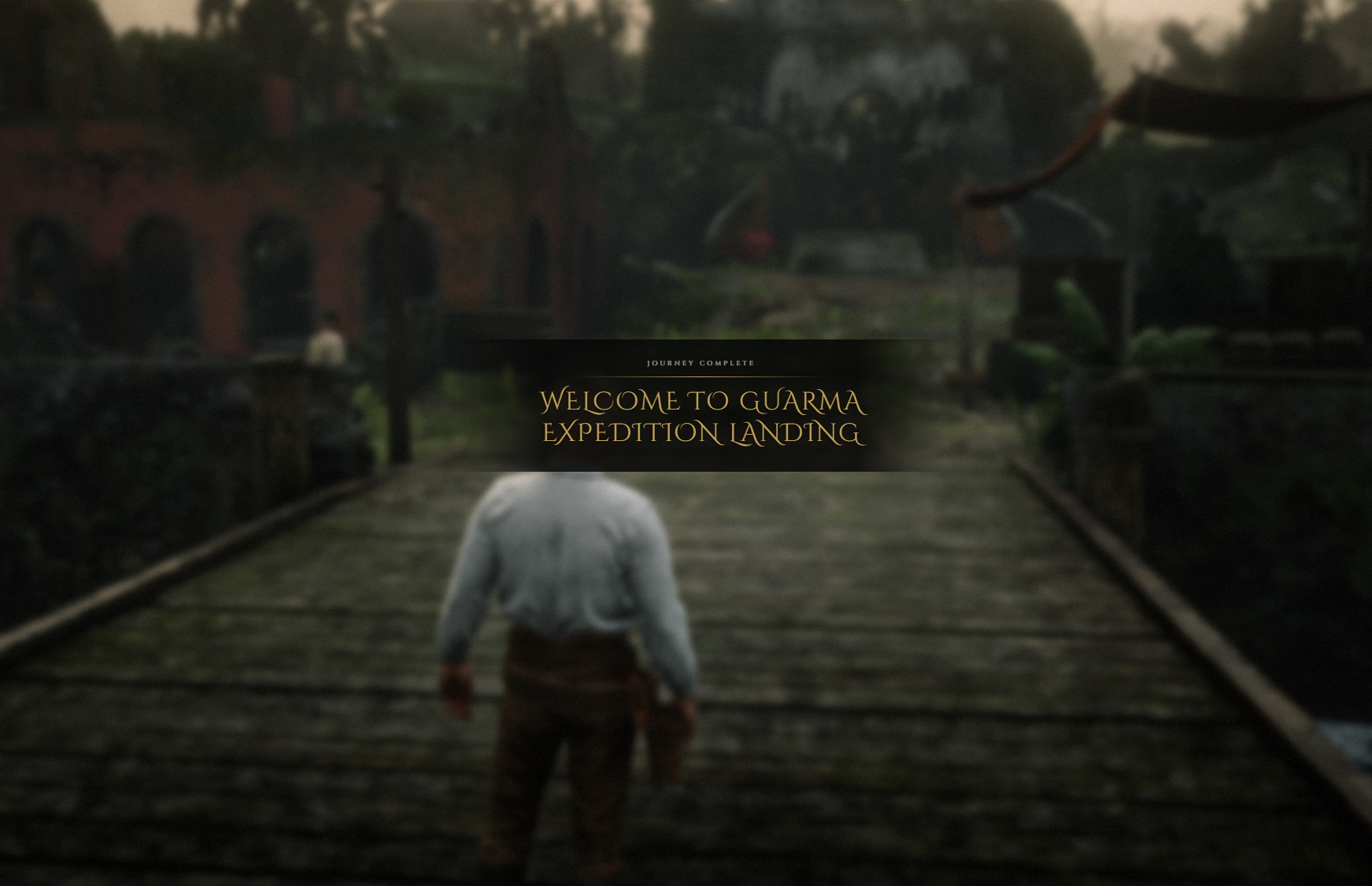
Ground Arrivals - Passengers arrive on foot at configured positions after the cinematic journey.
Guarma Support - Handle island world settings, collision loading, and the return to the mainland.
Stations and Integrations
Ticket Agents and Blips - Configure station NPCs, positions, and map markers.
Optional Integrations - Use Crowe Interactions and Crowe Notifications with native prompt and VORP notification fallbacks.
Command Access - Configure station-only
/airtravelaccess through permissions or enable it for all players.
Dependencies
Required:
vorp_coreOptional:
crowe_interactionsandcrowe_notification
Installation
Place the complete
crowe_airtravelfolder in your server resources.Review
config.luafor stations, routes, fares, ground arrivals, and cinematic settings.Start
vorp_coreand installed optional integrations before Air Travel.Add
ensure crowe_airtravelto your server configuration.Test regional and Guarma flights, scene skipping, and balloon clearance against your map.
No database setup is required. Configure the optional command's crowe.airtravel ACE or change its access setting in config.lua.
What You Will Receive
The Crowe Air Travel resource with ticket booking, balloon cinematics, and ground arrivals
The Crowe booking interface with destination photography and four configured travel stops
Editable configuration, English/Spanish/French Lua locales, and setup documentation; booking interface text is English
Support
Review the included README for route and cinematic configuration
Join our Discord for ticket-based support